How to Add Territories to Your Franchise Concept Page
Updated Oct 14, 2026
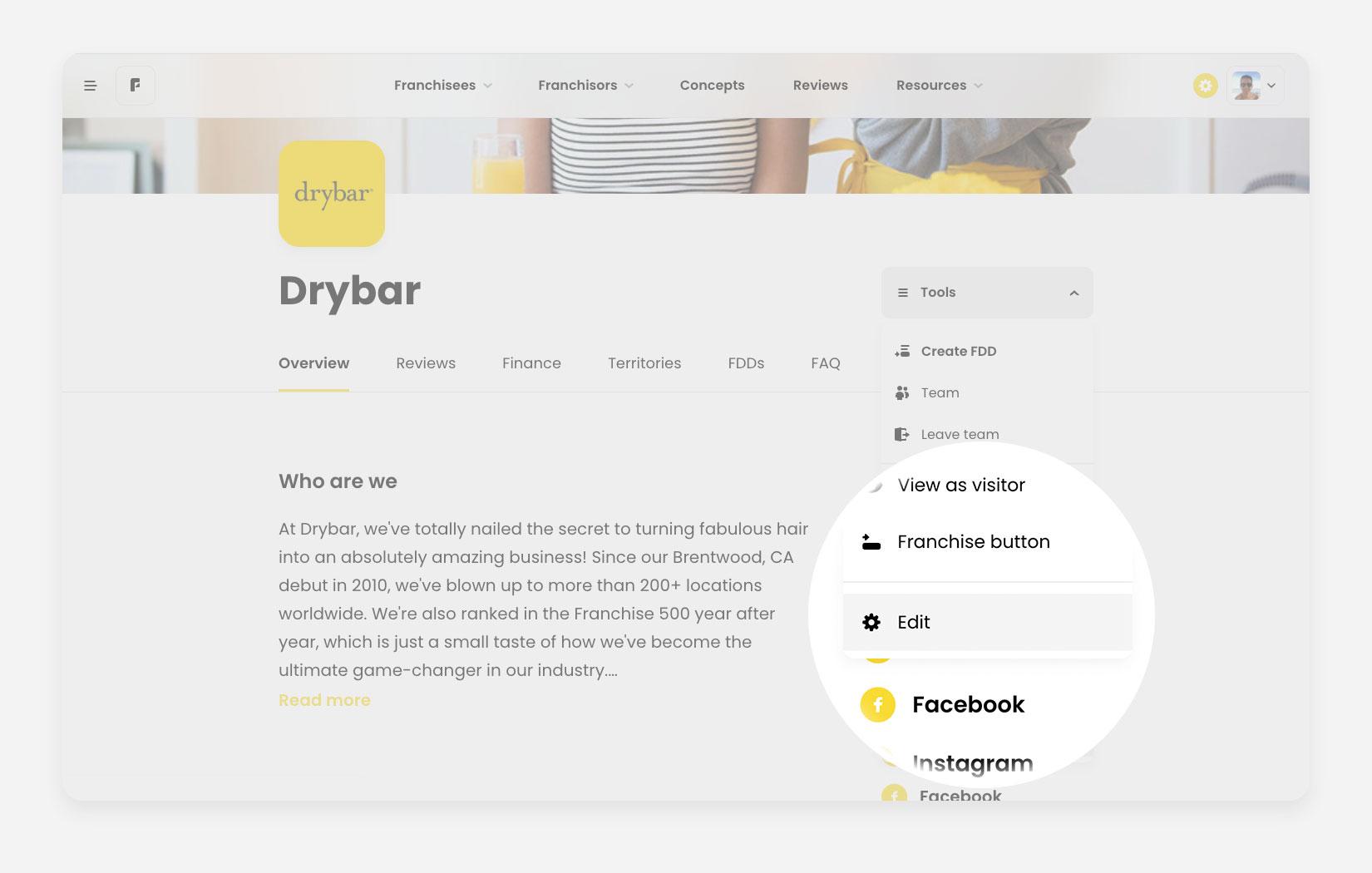
Navigate to your franchise concept page. Note, that you have to be logged into the account that has admin access to the edit page.
- Find the dropdown button, Tools to the right of your brand’s name
- Expand the Tools dropdown and use Edit option to access the Configure Franchise Concept page.
Note that also access the Configure page from your dashboard, by clicking on the Tools dropdown in the actions row.
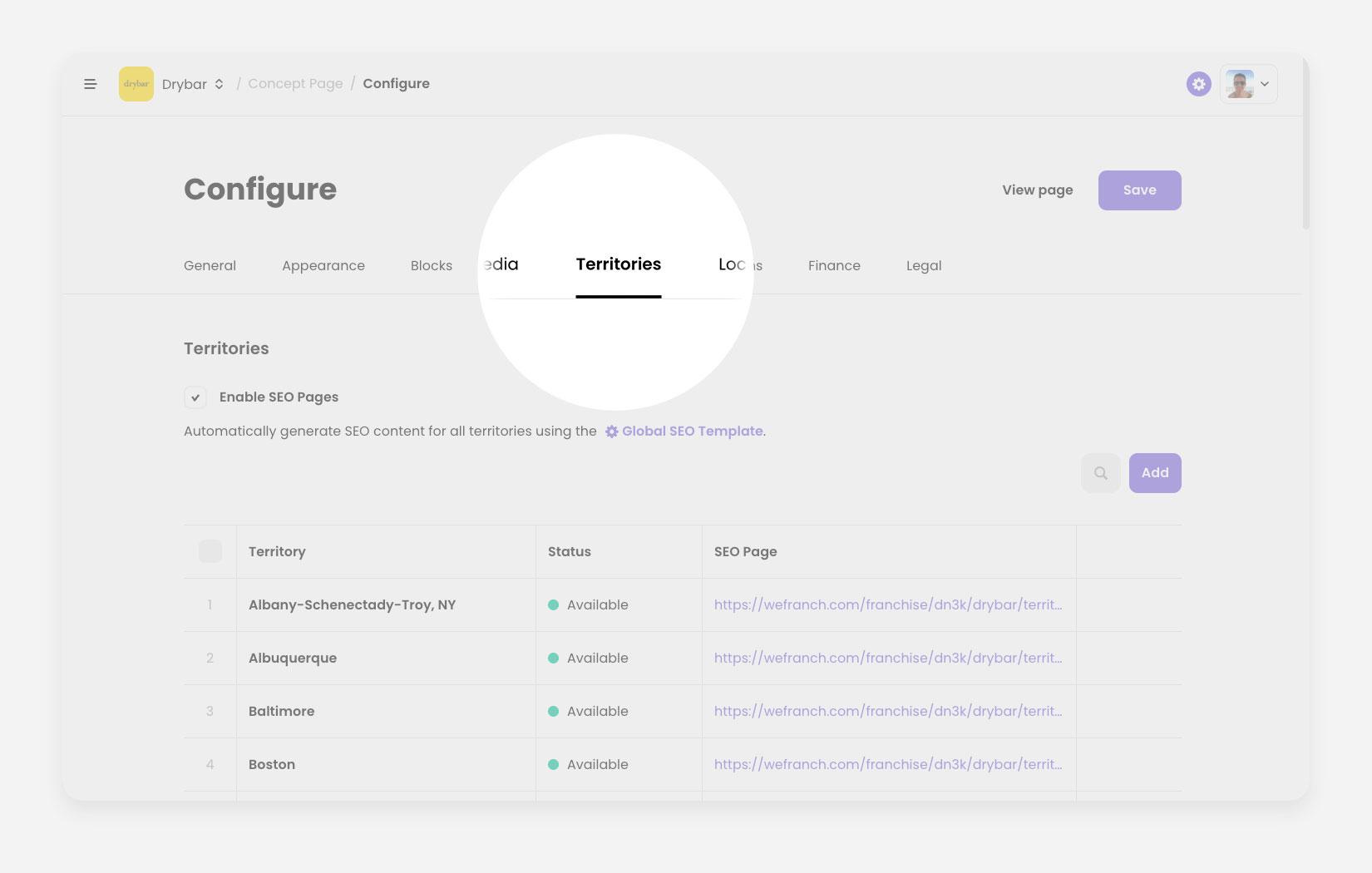
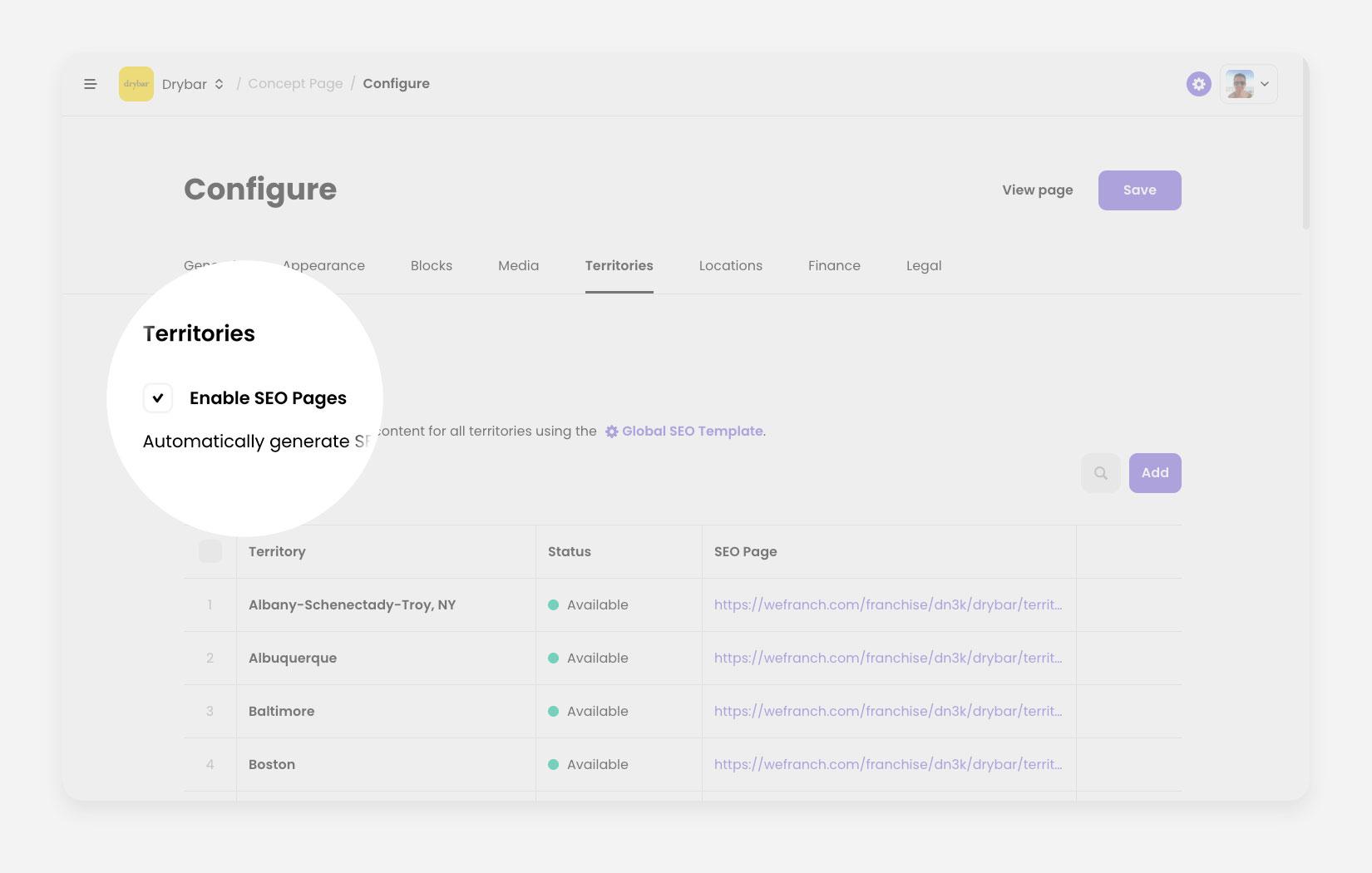
Navigate to the Territories tab in the horizontal menu to access and manage your territories.
In the Territories tab, trigger a Add a territory modal, by clicking on the Add button in the top right corner of the territories table.
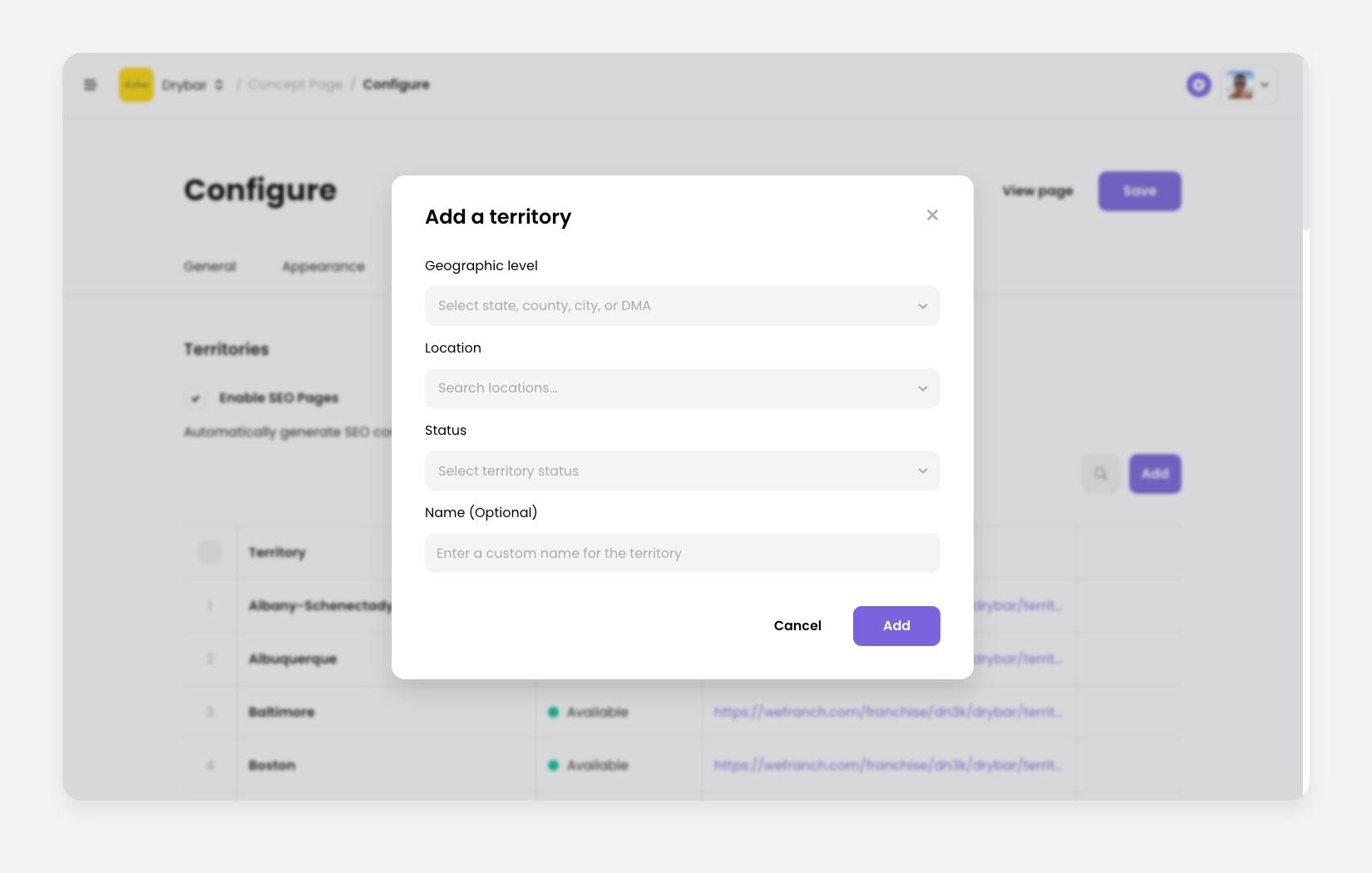
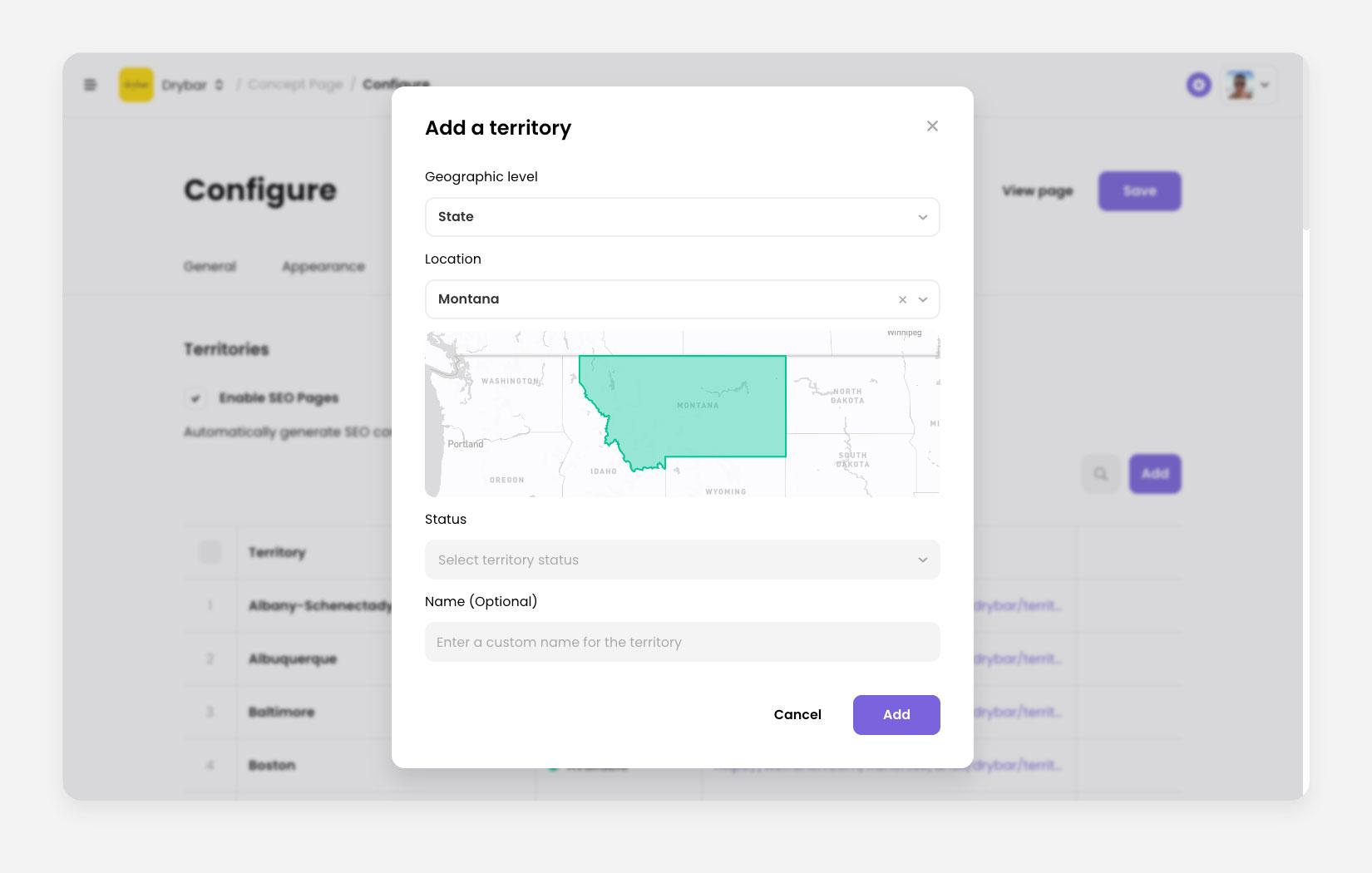
In the Add a territory modal,
- You can select different geo-type territories (such as State, CBSA, County, City, or DM)
- You can list territories as Available, Sold, For Sale
- Specify custom territory name.
Make sure the Location you select matches the Geographic Level you selected (e.g., if you type “Montana” and the geographic level is “DMA”, it won’t work.)
If you Enable SEO Pages, we will automatically create a separate SEO optimized page for each territory you create.
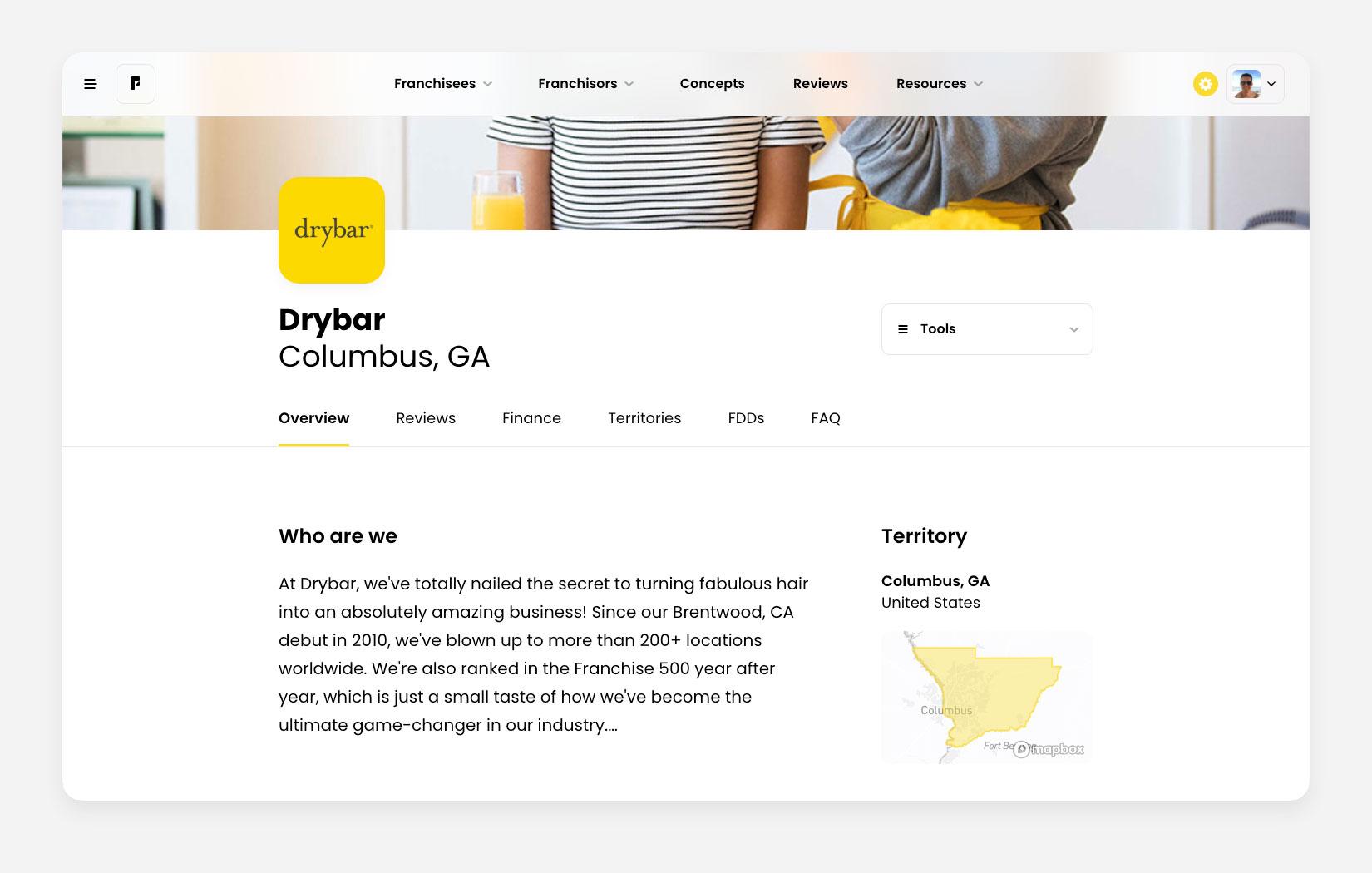 As an example, if a prospect is searching for “Health & Beauty“ in ”Columbus”, the a they’ll find a SEO optimized page with that information.
For support, please email [email protected]