Getting started with Wefranch MUMBO Tool
Updated Oct 14, 2026
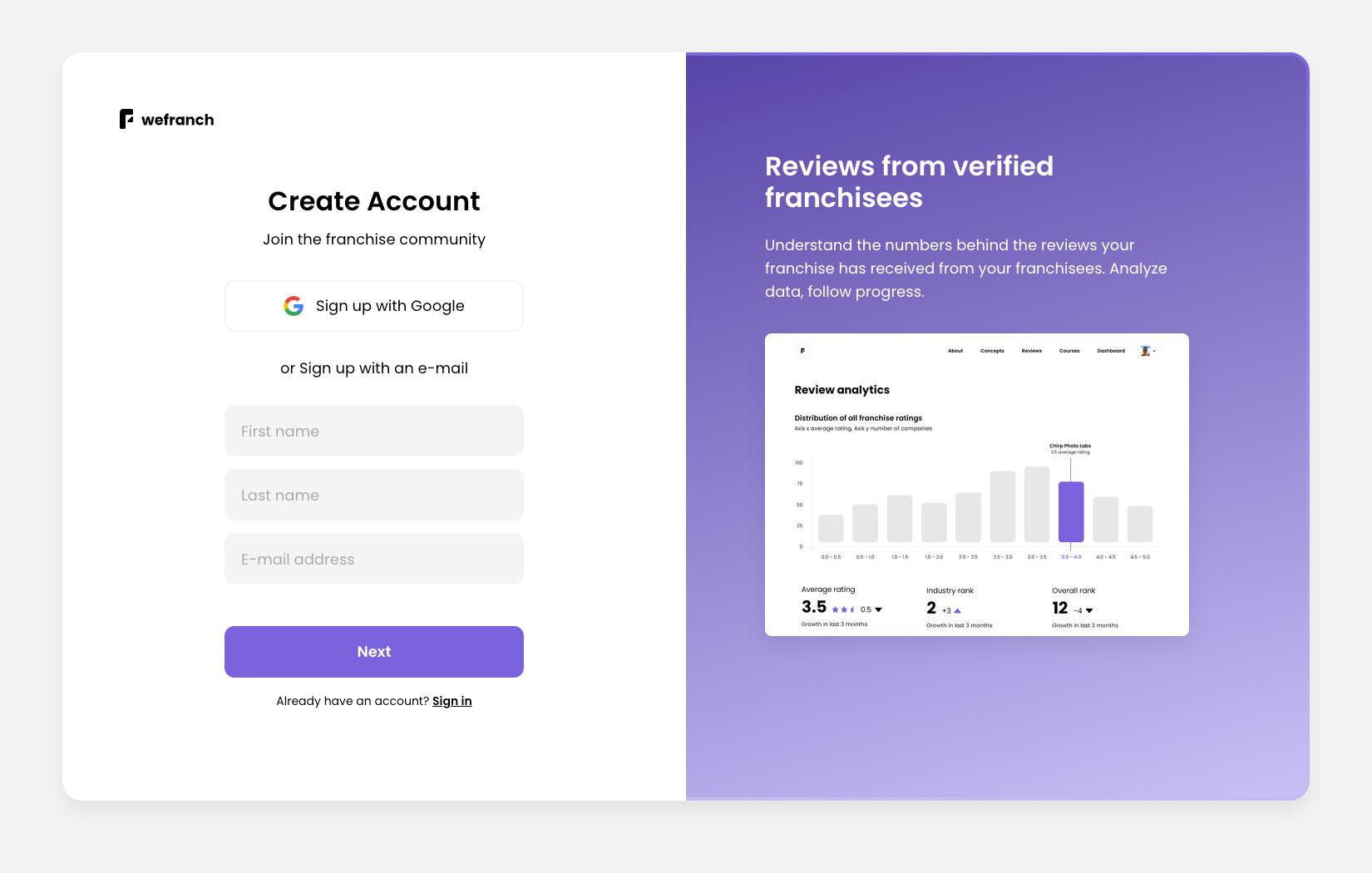
Start at the Wefranch sign-up page . Use Google sign-up or enter your details and follow the prompts.
- Open the sign-up page and create your account.
- When you are signed in, open the Prospects workspace to start exploring MUMBOs.
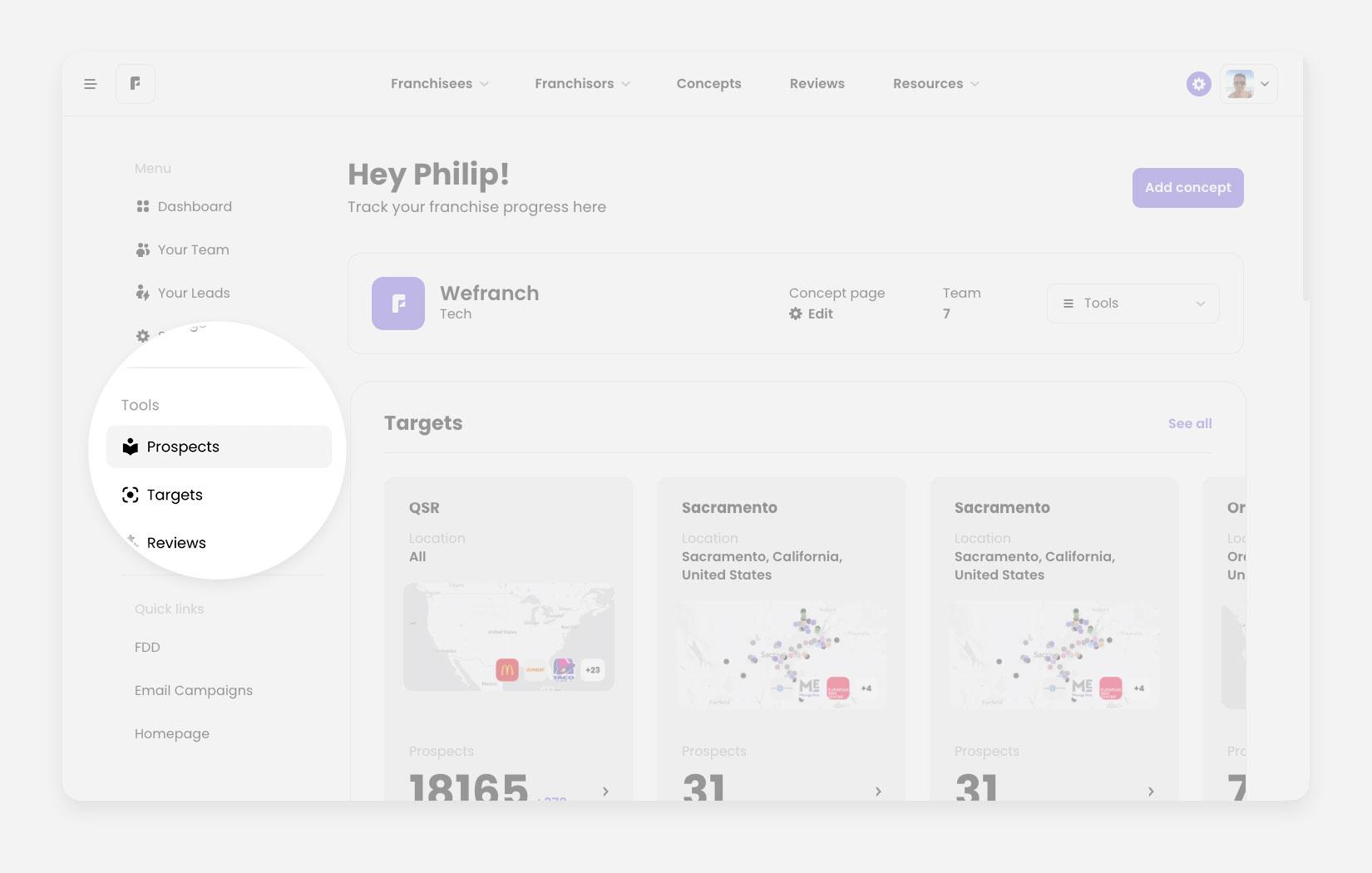 Dashboard page focused on main menu sidebar
Find prospects
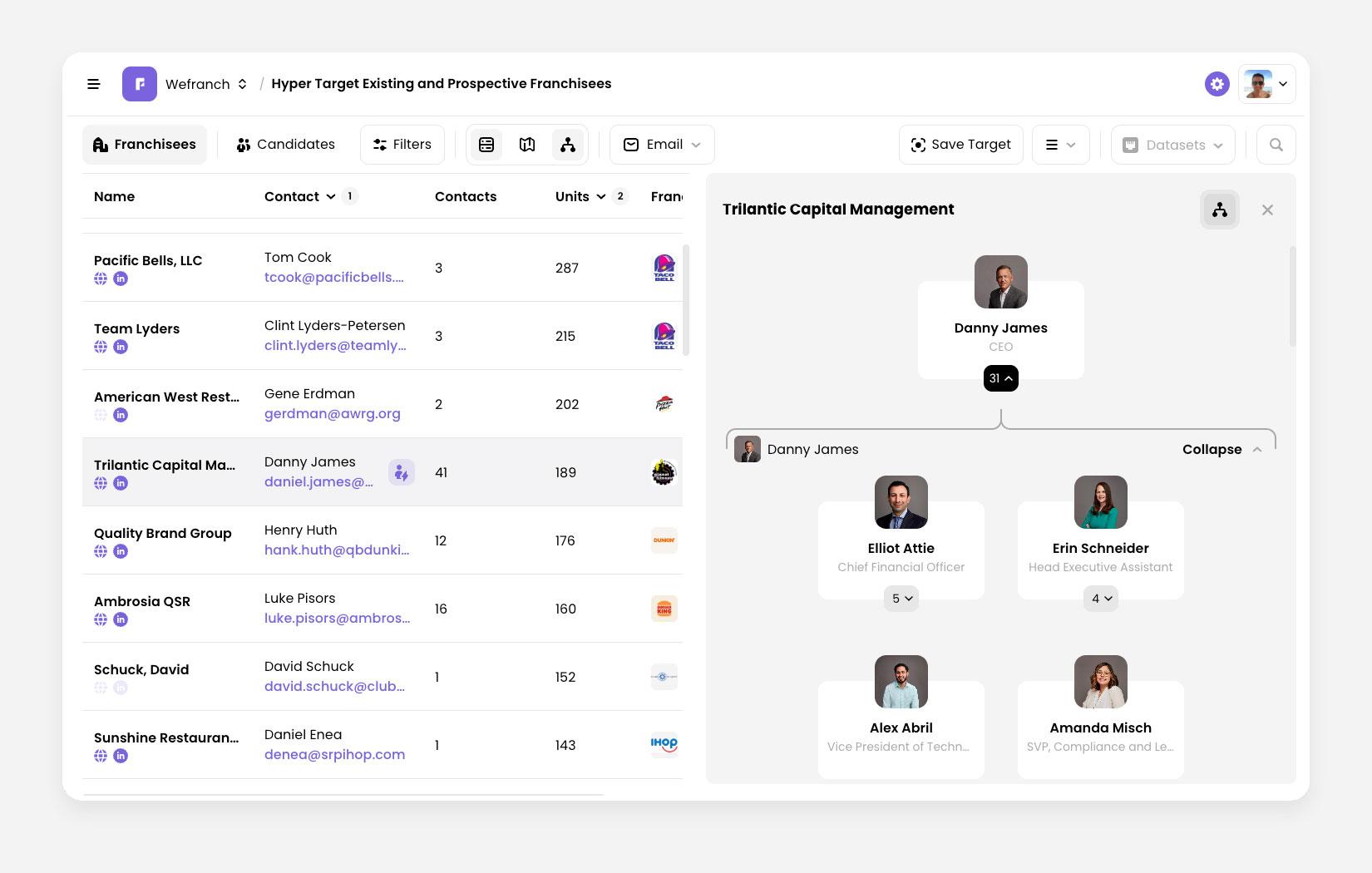
The Prospects workspace brings operator records, contact details, filters, and the map into one view.
- Open Prospects and use the filters to narrow your search by location, franchise, number of units or other relevant criteria.
- Choose a record to review the available contacts. One franchisee organization may have several people in their org chart you can contact.
- Export up to 100 leads per week to build a focused outreach list.
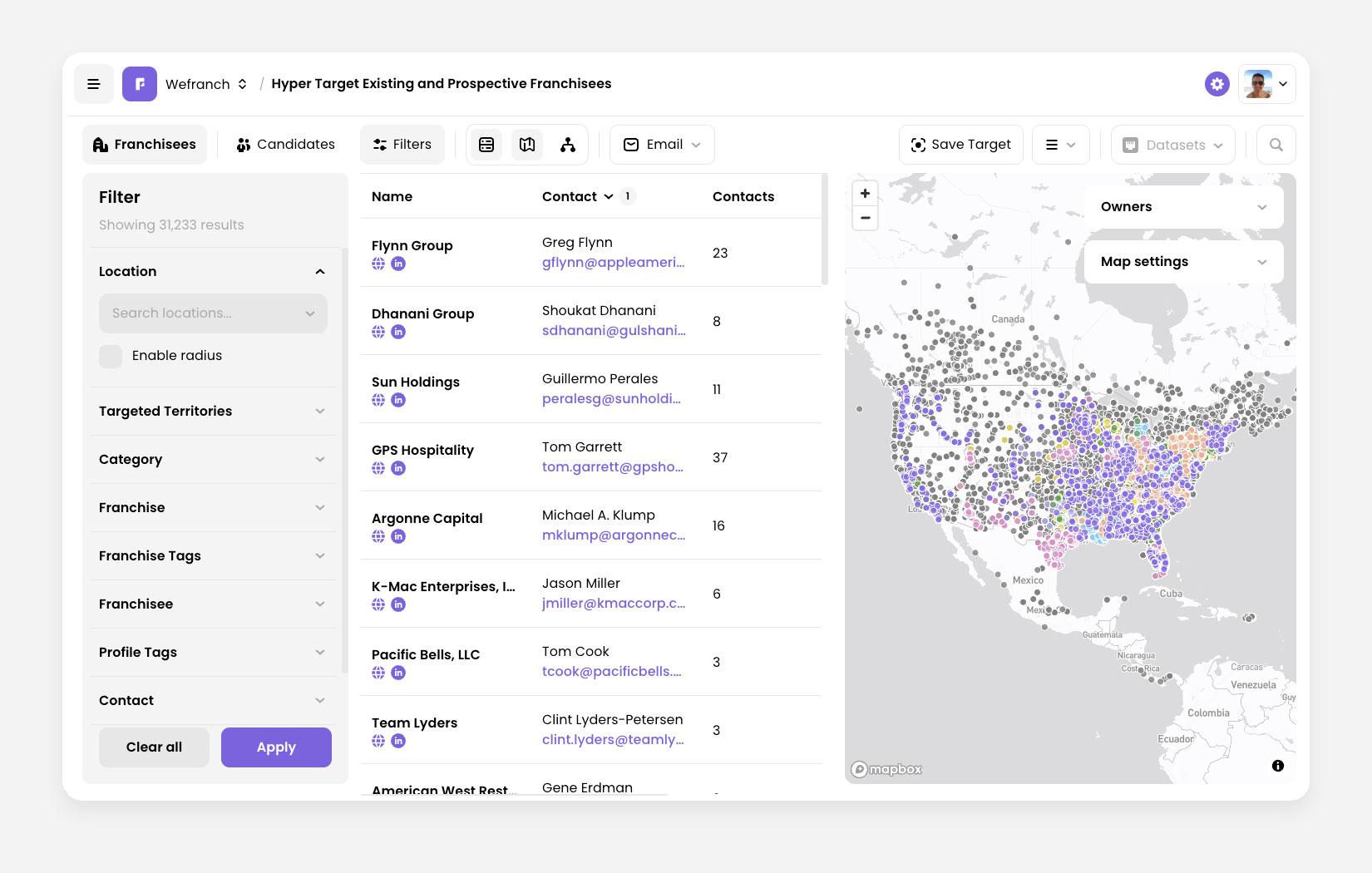 Default view of the Prospects workspace
Explore shared target boards
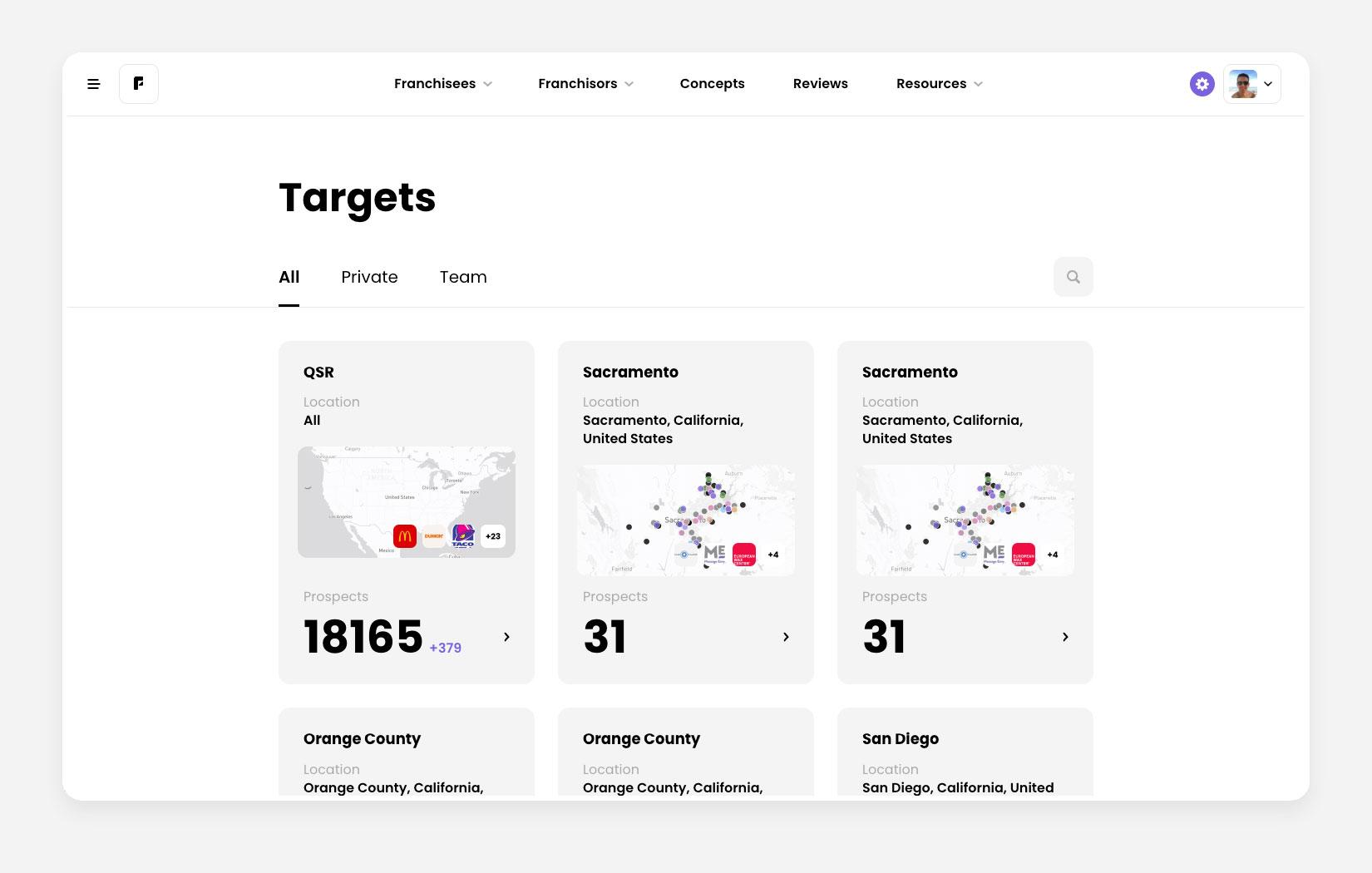
Targets work like saved searches in Prospects tool. They let you return to relevant prospects without rebuilding your filters. Browse Targets from Wefranch or your teammates, then open one that fits your market.
- Open the Targets browse page.
- Use All, Private, or Team to find the board you need.
- Open a board to review its prospects before you start outreach.
Make your outreach personal
MUMBO can show contact details for several people within a franchisee organization. Use that context to choose the right person and write a tailored one-to-one message instead of a mass blast.
- Use Franchisee Org Charts to understand the team behind a franchise location.
- Use Account-Based Marketing to learn how custom targets support focused outreach.
For support, please email [email protected]